Best AI for Financial Advice: 5 Tools for Smarter FP&A Decisions

Finance teams are already using AI to speed up analysis, forecasting, and scenario planning. But when adoption happens tool by tool, finance can quickly end up with different data, assumptions, and workflows across the team.
Read: Finance Automation in 2026: Tools, Use Cases, and Real-World Strategy
You cannot stop people from using AI, and there is little reason to try. A better approach is to give teams a clear direction and keep AI connected to the same financial data, models, and planning logic.
In this guide, we compare five AI tools for FP&A and explain what to look for before choosing one.
What Is AI Financial Advice for Businesses?
AI financial advice uses artificial intelligence to help teams analyze financial data, create forecasts, test scenarios, and support business decisions.
In FP&A, companies use AI for planning, forecasting, reporting, and financial analysis. Increasingly, finance teams rely on AI for reporting, forecasting, and scenario analysis. PwC highlights AI-enabled reporting, predictive forecasting, and scenario modeling as key FP&A features.
In practice, AI supports variance analysis, cash flow analysis, forecasting, scenario planning, and management reporting. For example, a manufacturing company can see how higher raw material costs affect gross margin, EBITDA, and cash flow before changing prices, production, or purchasing plans.
The value of these insights depends on the quality of your data and financial logic. When comparing AI tools, check how they use your existing data, models, planning processes, and reporting needs.
5 Best AI Tools for Financial Advice
The best AI for financial advice helps teams understand performance, test assumptions, and make decisions using real financial data. For complex planning, the most useful tools connect forecasting, modeling, reporting, and scenario analysis in one system.
| Tool | Best for | Main strength | Main limitation | |
| 1 | Farseer AI | Complex financial planning and scenario analysis | Combines AI analysis, financial modeling, and scenario simulation in one planning environment | Best suited to companies with an established FP&A process |
| 2 | Anaplan PlanIQ | Predictive forecasting | Strong machine learning forecasting capabilities | Broader platform setup can require more implementation effort |
| 3 | Pigment | Integrated business planning | Strong collaboration and planning workflows | Can be more platform-heavy for teams focused mainly on finance |
| 4 | Workday Adaptive Planning | Enterprise planning | Broad planning capabilities across finance and workforce | Often fits best in larger Workday-centered environments |
| 5 | Datarails AI | Excel-based FP&A teams | Familiar workflow for teams that want to keep Excel | Less suited to replacing complex planning models across many business units |
For companies needing AI to work directly with detailed financial models, operational drivers, and multiple planning scenarios, Farseer is the most complete option in this comparison.
Farseer AI
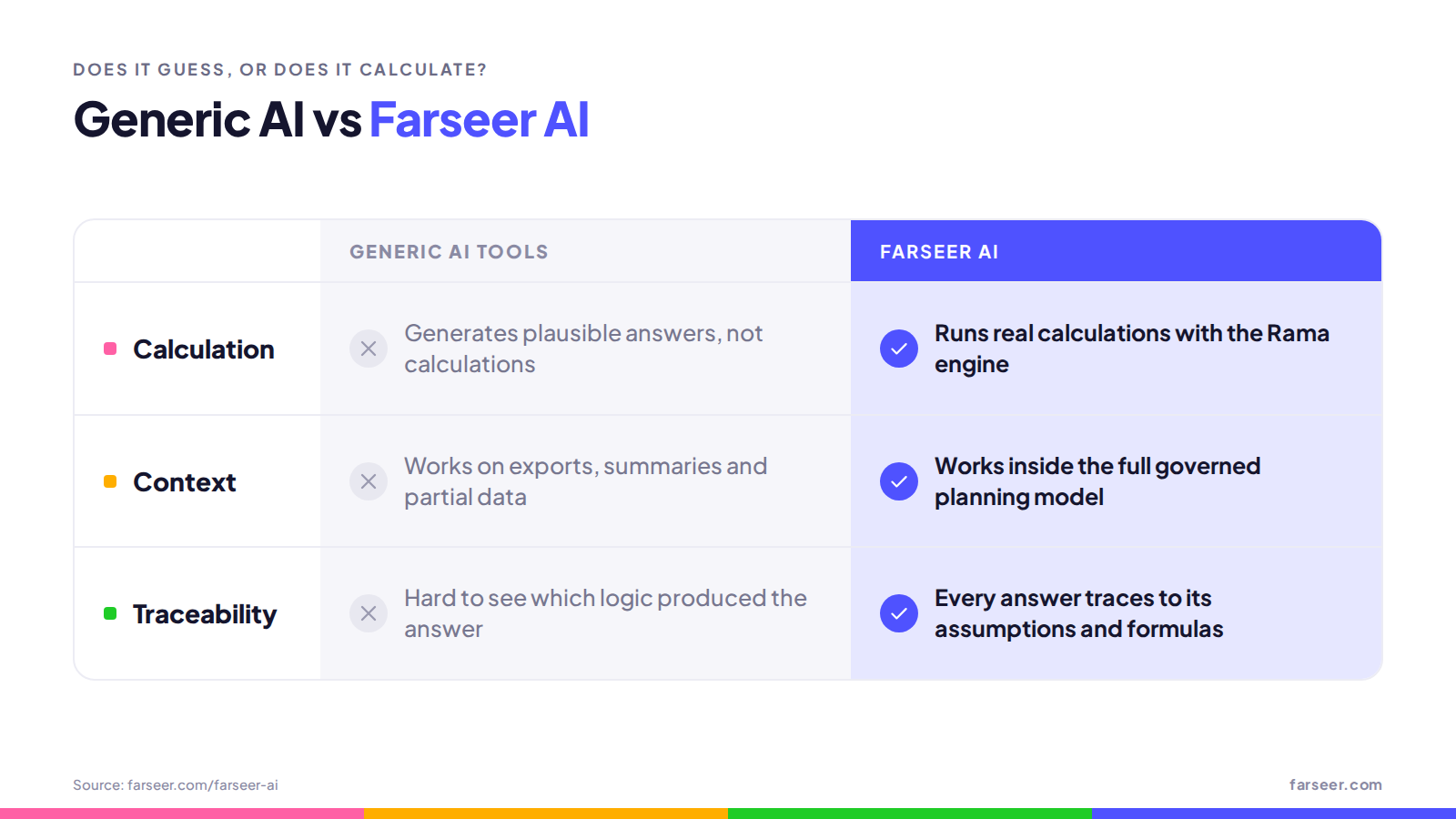
Farseer AI is a financial planning platform powered by AI for analysis, forecasting, scenario planning, and modeling. It works directly with your company’s financial model, so its results follow the same business logic, formulas, assumptions, and planning structure used throughout the organization.
According to Farseer, the platform combines financial analysis, scenario simulation, and model creation through natural language.
What makes it different
Farseer AI stands out because its AI works within the financial model, not as a separate assistant.
It includes three dedicated modules:
- AI Analyst helps teams analyze financial performance, investigate variances, and understand the drivers behind results.
- AI Strategist supports scenario planning by testing changes in assumptions and showing their impact on key financial outcomes.
- AI Modeler helps users create and adjust financial models through natural language, including formulas, planning logic, and model structure.
These modules cover everything from performance analysis to scenario testing and model building. Since the AI works on the underlying model, teams keep their analysis connected to source data, assumptions, and planning logic.
Best for
Farseer AI is best for companies with complex planning, multiple entities or business units, and strong links between operational and financial drivers.
It is especially useful for teams that need to test how changes in pricing, demand, production, headcount, or costs affect revenue, margins, EBITDA, and cash flow.
Limitations
It is designed for structured business planning, not personal finance or general market research.
Anaplan PlanIQ
Anaplan PlanIQ is the machine learning forecasting module inside the Anaplan planning platform. It combines statistical, AI, and ML techniques to turn internal and external data into predictions, and it’s used by teams across finance, supply chain, sales, and HR. For finance, typical use cases include OpEx and revenue forecasting.
It sits under Anaplan’s broader AI umbrella, Anaplan Intelligence, alongside newer generative AI and agent features. PlanIQ itself stays focused on one job: producing better forecasts from data that already lives in Anaplan.
What makes it different
Its main strength is automated forecasting without a data science team. Users can let Anaplan AutoML pick the best algorithm for their data or choose one manually from a list, then compare model accuracy side by side using error metrics like MAPE. Before modeling starts, PlanIQ automatically checks the grouped data inputs for accuracy and completeness.
Because it runs natively in Anaplan, forecasts flow straight back into existing models. Teams can then analyze variances, scenarios, risks, and opportunities on top of the ML output. Forecasts can also be scheduled to match the planning cycle or run ad hoc whenever planners need them.
Best for
Large enterprises already running their planning in Anaplan that want to add ML-driven forecasting without hiring data scientists or moving data into a separate tool. It’s especially useful for organizations forecasting at volume, such as many products, regions, or cost centers, where manual methods break down.
Limitations
PlanIQ is a forecasting engine, not a full AI layer for FP&A. It won’t explain variances in plain language, draft commentary, or act as an assistant across the planning process, so teams wanting that need other Anaplan features or separate tools.
It also depends on careful setup. Data has to be structured in dedicated Anaplan modules, and builders need export actions to send data to PlanIQ and an import action to bring results back. That usually means involving an Anaplan model builder or implementation partner. Finally, it’s a separately purchased add-on on top of Anaplan licensing, which is already priced for the enterprise end of the market. For mid-market teams, that combination of cost and complexity can be hard to justify.
Pigment
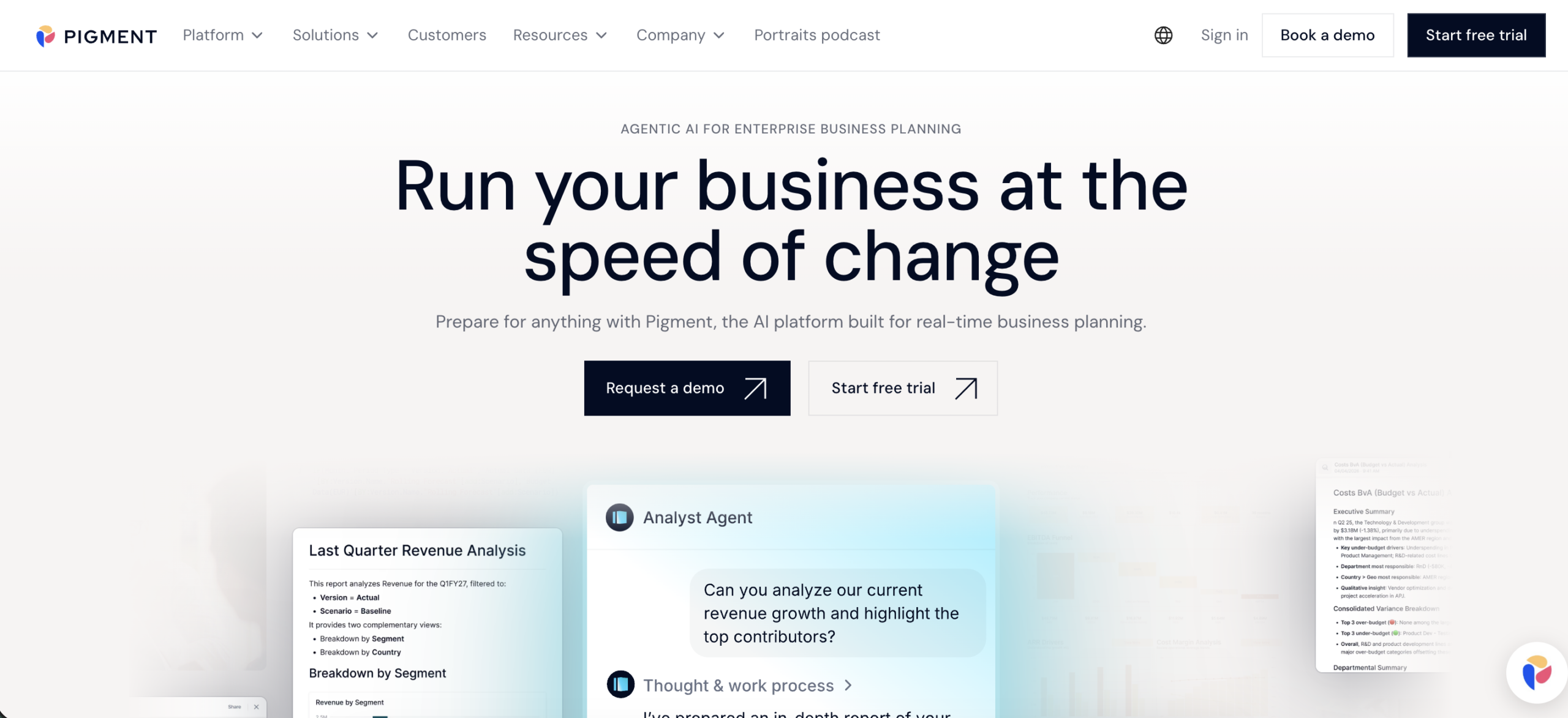
Pigment is a business planning and performance management platform that brings financial planning, operational planning, reporting, and AI-assisted analysis into one shared model.
What makes it different
Pigment is built for collaborative, cross-functional planning. Finance, sales, HR, and operations work from the same data and scenarios instead of separate spreadsheets, and customer examples show large organizations using it across the entire enterprise, not just in finance.
Its AI has moved toward agents. Pigment offers Analyst, Planner, and Modeler agents that surface trends and anomalies, suggest plans, and update models. It also introduced Custom Agents, which organizations can configure around their own processes, terminology, and internal knowledge while staying within Pigment’s governance and permission model. Pigment says its agents inherit platform access controls and that customer data isn’t used to train its models.
Best for
Mid-size and large companies that want one planning platform for finance and other business functions, and that have the resources to treat planning as shared infrastructure across departments.
Limitations
Its broad, enterprise-wide scope can be more than a finance team needs for focused FP&A work. Implementation usually isn’t a self-serve project: Pigment has said partners lead nearly 90% of its implementations, and it doesn’t publish a standard price list. For smaller or finance-only teams, that combination of scope, partner involvement, and opaque pricing can slow time to value.
Workday Adaptive Planning
Workday Adaptive Planning is an enterprise platform for budgeting, forecasting, reporting, workforce planning, and scenario analysis. Its AI is centered on the Planning Agent, which automates analysis, lets users explore data in natural language, uncovers root causes, and models scenarios in one workflow.
What makes it different
Workday combines AI with a broad enterprise planning environment. Beyond the Planning Agent, it offers AI-generated forecasts that combine internal and external data, and it aligns its AI governance with ISO 42001. It also reaches beyond its own interface: a Google Sheets extension brings AI chat and ad hoc reporting into spreadsheets, and an MCP server lets external LLMs such as Claude and ChatGPT query planning data.
Compared to Farseer AI, Workday takes a wider enterprise approach, while Farseer focuses more on finance-specific AI modules for analysis, strategy, and model creation.
Best for
Large organizations already using Workday that want to connect financial planning with broader enterprise processes. Customers on Workday HCM and Workday Financial Management benefit from native, purpose-built integration, which makes it especially strong for headcount-heavy planning.
Limitations
It may be more complex than teams need if they’re looking for a focused FP&A solution. Much of its value comes from the wider Workday ecosystem, so organizations outside it get less of that advantage. Its AI is also still maturing: the Planning Agent rolls out new skills over the course of the year, so buyers should check which capabilities are actually available today versus on the roadmap.
Datarails AI
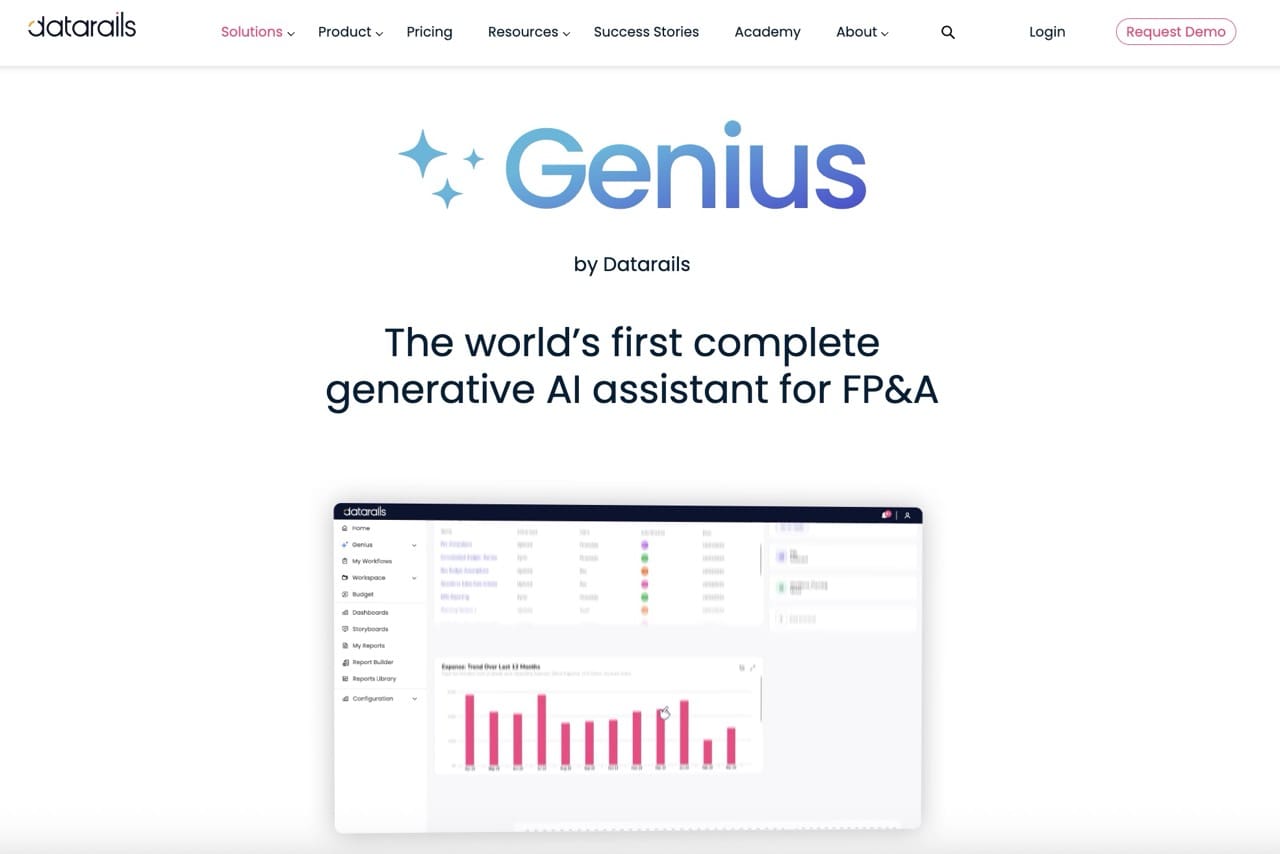
Datarails is an FP&A platform built around Excel-based workflows. It works as an Excel add-in, so models, formulas, and formatting stay in Excel while the platform adds a governed data layer, version control, and automated consolidation behind the scenes.
What makes it different
Datarails is for teams that want to keep Excel at the center of their planning while adding automation and AI. In January 2026 it launched Strategy, Planning, and Reporting AI Finance Agents that answer questions and generate board-ready PowerPoint, PDF, and Excel files from unified ERP, CRM, HRIS, and Excel data. It also introduced FinanceOS, which exposes controlled financial data to outside AI tools through the Model Context Protocol.
Because teams keep their existing spreadsheets, implementation is much shorter than on platforms that require rebuilding models, such as Anaplan.
Best for
Small and mid-size finance teams that rely heavily on Excel and want automation, consolidation, and AI-generated reporting without changing their main workflow.
Limitations
It’s less suited for companies that want to move beyond spreadsheet-based planning. Since the logic still lives in Excel, complex driver-based models, multi-entity structures, and large-scale scenario planning can become harder to maintain as the business grows. Teams aiming for a single modeled planning environment, rather than governed spreadsheets, will likely outgrow it.
How to Choose the Best AI for Financial Advice
Choosing the right AI tool depends on how your finance process works today and what you want the software to improve. For complex FP&A, focus on whether the platform can work with real business data, support detailed planning logic, and produce results that your team can verify and use.
Work With the Data You Already Use
The tool should connect with your ERP, data warehouse, BI tools, and existing planning data. That reduces manual preparation and gives the AI access to current business information instead of isolated files or static inputs.
For larger organizations, this matters because planning often depends on data from several systems, entities, and departments. The less manual transfer required, the easier it is to keep analysis consistent and up to date.
Make Every Result Traceable
Financial outputs need to be easy to check. Look for a solution that lets users trace results back to assumptions, formulas, and source data rather than relying on a generated answer alone.
This becomes especially important when AI supports budgets, forecasts, or management decisions. Teams should be able to understand how the result was calculated before using it in the planning process.
Test Scenarios With Real Business Drivers
A useful AI solution should let you change key assumptions and quickly see the financial impact across the model. This turns AI from a reporting tool into a practical part of scenario planning.
For example, a manufacturer might test how a 6% increase in material costs affects gross margin, EBITDA, and cash flow across several business units. The same process can be used for changes in pricing, demand, headcount, or production volumes.
Handle the Complexity of Enterprise Planning
The platform should support operational drivers, allocations, multiple entities, currencies, and detailed planning dimensions. These requirements become more important as the planning process expands across departments, markets, and business units.
Model-based AI platforms such as Farseer AI have an advantage here because they work with the financial logic behind the plan. This allows teams to analyze changes across connected parts of the model instead of reviewing each area separately.
Fit Into the Way Your Team Already Plans
A strong tool should improve the planning process without creating a new layer of manual work. Consider integrations, implementation effort, user adoption, and how much your team would need to change its current workflow.
One practical way to compare platforms is to run the same planning scenario in each one. Then compare how quickly the team can build the scenario, verify the logic, adjust assumptions, and understand the final result.
How AI Financial Advice Works in Practice
AI is most useful when it connects a business question to the financial model behind it.
For example, imagine a food manufacturer facing an 8% increase in raw material costs. The company needs to decide whether to raise prices, change purchasing assumptions, adjust production volumes, or accept lower margins.
A practical AI-supported process has three steps:
- Set the baseline. Review revenue, material costs, gross margin, production volumes, and cash flow.
- Test scenarios. Change material costs, pricing, or production assumptions and calculate the impact on EBITDA and cash flow.
- Compare outcomes. See which scenario delivers the best financial result while staying realistic for the business.
This is where model-based AI adds value. Instead of giving a general answer, it works with real business drivers and shows how each assumption affects the financial plan.
What Good FP&A AI Should Actually Do
Good FP&A AI connects business questions with the numbers, assumptions, and logic behind the financial plan.
This means working with real financial and operational data, keeping calculations traceable, supporting scenario analysis, and handling complex planning models without extra manual work.
This difference matters. An AI assistant can give a convincing answer to a finance question. Model-based AI can calculate the answer using the company’s actual planning logic and show how a change affects revenue, costs, margins, EBITDA, and cash flow.
Farseer AI uses this model-based approach. AI Analyst, AI Strategist, and AI Modeler connect analysis, scenario planning, and model creation directly to the underlying financial model.
For teams wanting AI to support real planning decisions, the key question is not just how well the AI can answer, but whether the answer comes from the financial model the business actually uses.
See how Farseer AI works with your financial model.
FAQ
What is AI financial advice for businesses?
AI financial advice uses artificial intelligence to analyze financial data, build forecasts, test scenarios, and support business decisions. In FP&A, this covers variance analysis, cash flow analysis, forecasting, scenario planning, and management reporting. The quality of the advice depends on the data and financial logic behind it — not just the AI itself.
What is the best AI tool for FP&A?
It depends on your planning setup. Farseer AI is the most complete option for complex, model-based planning across entities and drivers. Anaplan PlanIQ suits ML forecasting, Pigment fits cross-functional planning, Workday Adaptive Planning works best in Workday environments, and Datarails suits Excel-centered teams. Match the tool to how your team actually plans.
Can AI give reliable financial advice?
Only when its answers are traceable. A generic AI assistant generates convincing text, but model-based AI calculates results using your actual planning logic, formulas, and assumptions. Before using AI output in budgets, forecasts, or management decisions, teams should be able to trace every result back to the data and drivers behind it.
What is the difference between an AI assistant and model-based AI in finance?
An AI assistant answers finance questions based on general knowledge or exported data — it can sound right without being calculated. Model-based AI works directly within the financial model, using the company’s own formulas, drivers, and assumptions, so a change in one assumption shows its real impact on revenue, margins, EBITDA, and cash flow.
How should companies choose an AI tool for financial planning?
Check five things: integration with your ERP and existing data, traceability of every result, scenario testing with real business drivers, support for enterprise complexity like entities and currencies, and fit with your current workflow. A practical test: run the same planning scenario in each shortlisted tool and compare speed, logic, and verifiability.
Can AI replace a financial advisor or FP&A analyst?
No. AI speeds up analysis, forecasting, and scenario preparation, but humans still set the assumptions, verify the logic, and make the decisions. AI works best when it handles the calculation and investigation work, leaving judgment, business context, and accountability with the finance team.
