AI Budgeting: How It Works and Which Tools to Consider

AI budgeting cuts manual planning, speeds up reforecasting, and helps teams react more quickly when business assumptions shift. It is most valuable in areas where manual work slows things down, like building forecast baselines, spotting unusual inputs, explaining variances, and testing scenarios.
The value is simple: faster analysis, quicker updates, and more time to focus on the decisions behind the numbers.
Read: Finance Automation in 2026: Tools, Use Cases, and Real-World Strategy
This guide compares five AI budgeting tools using criteria important for complex planning: planning flexibility, forecasting support, scenario modeling, integration, usability, and suitability for larger organizations.
Where AI Adds Value in Budgeting
AI adds the most value between data collection and management review.
A typical budgeting process has five stages:
- Collect actuals and operational data
- Set assumptions and business drivers
- Build the budget or forecast
- Review variances and scenarios
- Approve and update the plan
AI is especially helpful in stages three and four. It can analyze historical patterns, test how changes in key drivers affect results, and highlight areas that need attention before review.
For manufacturers, this might show how changes in sales volume affect production, material purchases, labor costs, and EBITDA. For distributors, it could test how pricing, discounts, inventory, and transport costs impact margin.
The main benefit is that teams spend more time reviewing the financial impact of assumptions and less time preparing the analysis.
5 AI Budgeting Tools to Consider
The best AI budgeting tool depends on your planning complexity, how much operational data you use, and how closely budgeting connects with forecasting and scenario planning.
For this comparison, we focus on five tools that support AI-assisted financial planning: Farseer, Anaplan, Pigment, Datarails, and Planful.
We compare them based on:
- AI capabilities
- budgeting and forecasting depth
- scenario planning
- integration options
- planning complexity
- fit for larger organizations
This helps you see which platforms are better for complex, multi-department planning and which are better for more focused FP&A needs.
Farseer
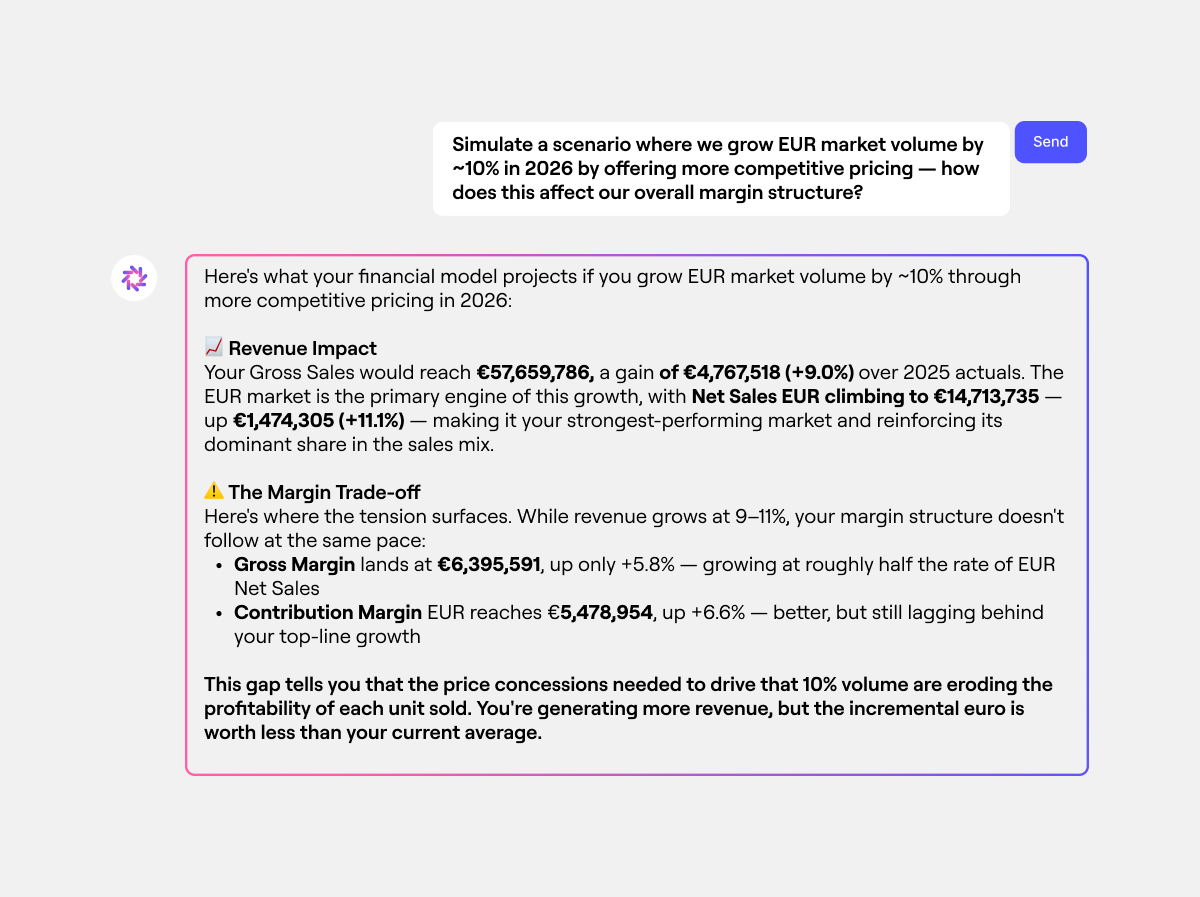
Best for: Mid-sized and large companies with complex, driver-based budgeting across several departments, entities, or markets.
Farseer combines budgeting, forecasting, scenario planning, and reporting in one planning environment. Its Farseer AI layer works with the underlying financial model, which makes it useful for tasks such as variance analysis, scenario testing, and working with planning logic through natural-language prompts.
For budgeting, the stronger use case is driver-based planning. Teams can change assumptions such as volume, pricing, headcount, or material costs and see how those changes affect the wider plan. Farseer also supports budgeting and forecasting across operational and financial drivers.
The platform can also connect planning data with ERP, CRM, HR, accounting, and data warehouse systems through its integration options. This matters for companies that want to reduce manual data preparation and keep planning closer to source systems.
Key consideration: Farseer is better suited to companies with structured, multi-user planning processes than to teams looking for a lightweight budgeting tool.
Anaplan
Best for: Large enterprises that need connected planning across finance and other business functions.
Anaplan supports budgeting, forecasting, scenario planning, and operational planning in one environment. Its AI capabilities include machine-learning forecasting and natural-language analysis, which can help teams review trends, test assumptions, and assess changes across connected plans.
The platform is a good fit for organizations with several business units, large planning teams, and complex links between financial and operational data. It can also support planning beyond finance, including workforce, sales, and supply chain use cases.
Key consideration: Anaplan has broad features, but setting it up and building models can take more effort than with tools focused only on finance.
Pigment
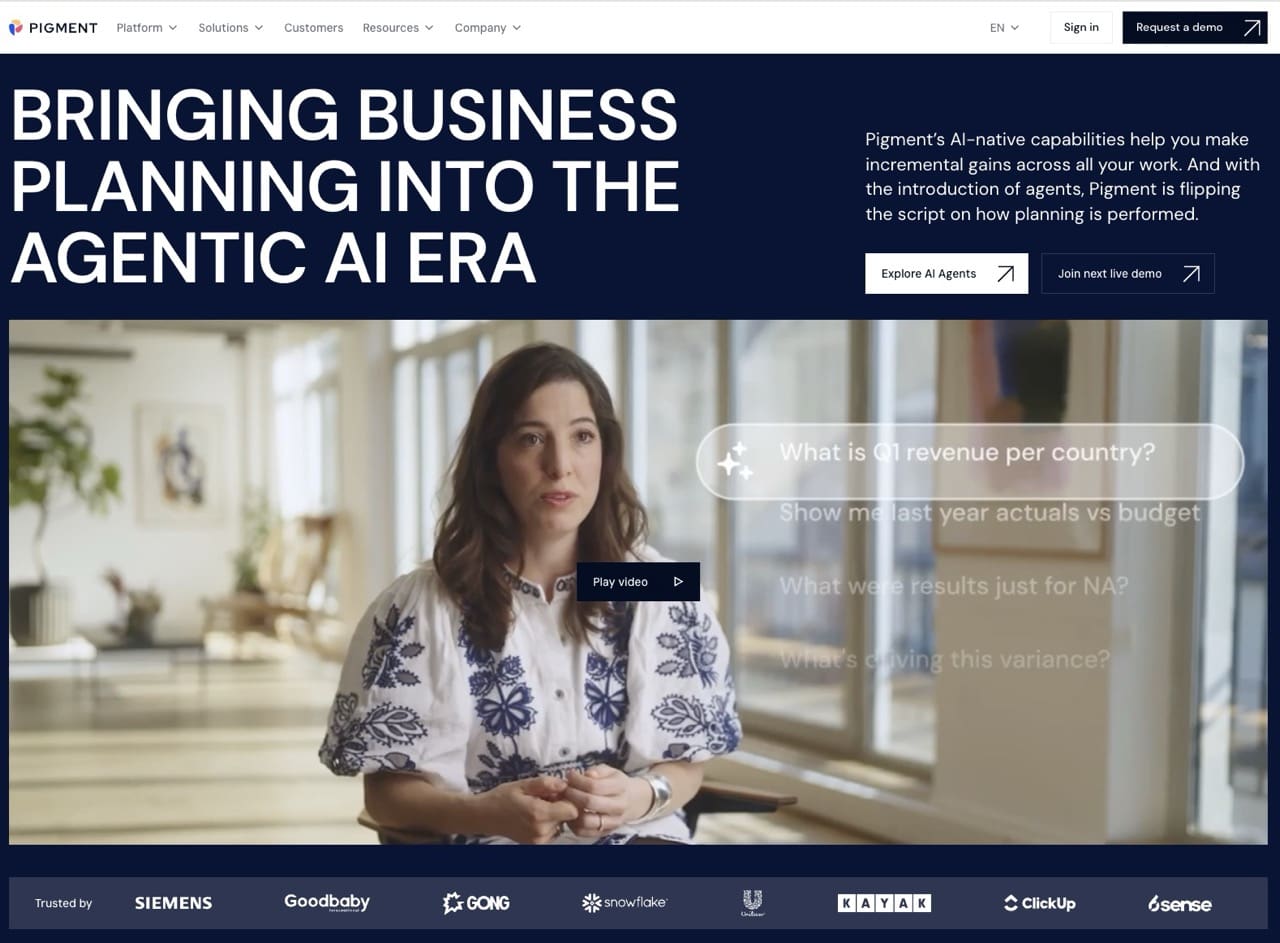
Best for: Companies that want flexible financial and operational planning with strong scenario modeling.
Pigment supports budgeting, forecasting, reporting, and cross-functional planning in one platform. Its AI capabilities include predictive forecasting, anomaly detection, natural-language analysis, and AI agents that work with live planning models and business data.
The platform works well for teams that need to model different scenarios quickly and connect finance with areas such as workforce, sales, and supply chain planning. It also supports driver-based forecasts that update as underlying assumptions change.
Key consideration: Pigment is very flexible, so companies should consider how much cross-functional modeling they really need.
Datarails
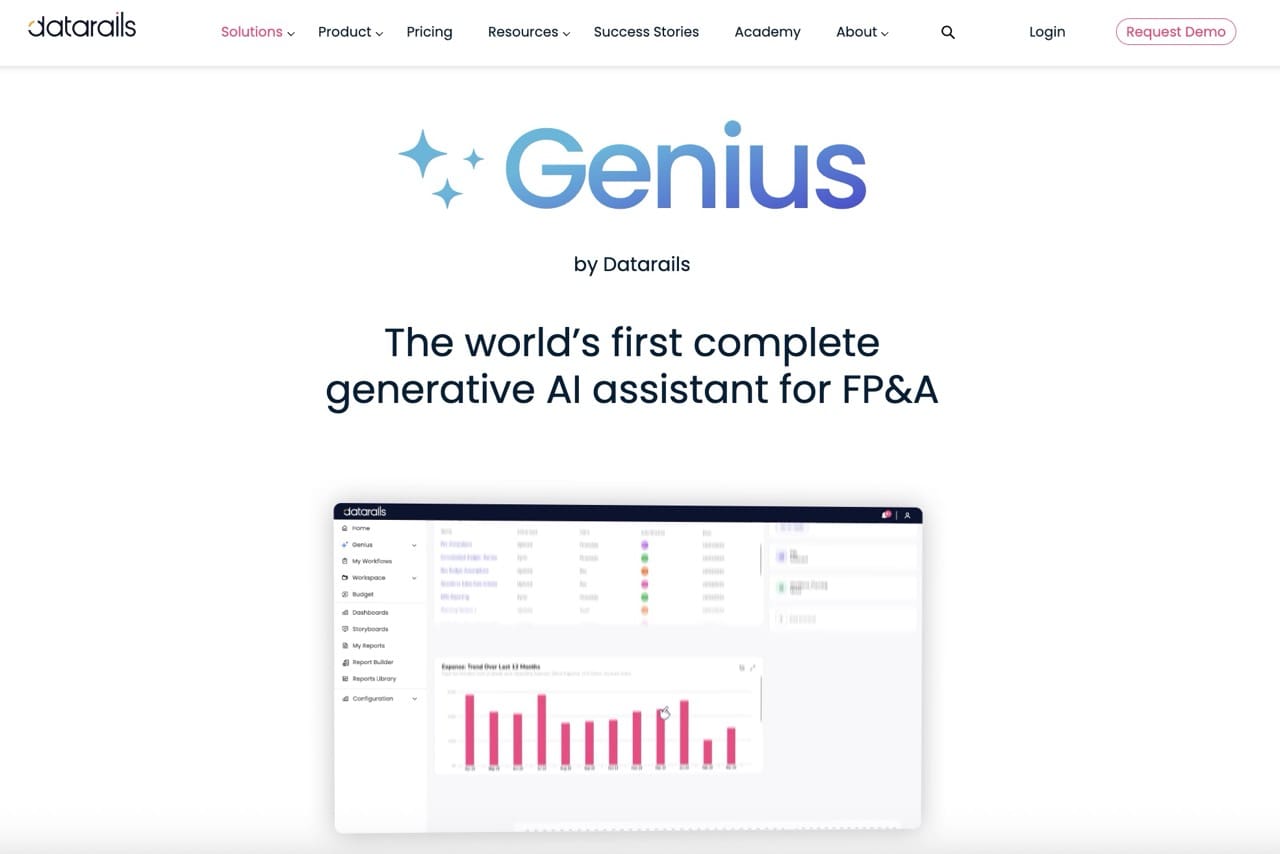
Best for: Finance teams that want to keep Excel at the center of their planning process.
Datarails combines FP&A functionality with an Excel-based working environment. Its AI capabilities include agents for reporting, planning, and analysis, which can help teams explain results, model scenarios, and generate forecasts from validated financial data.
Its main advantage is that teams who rely on spreadsheets can keep using familiar Excel workflows, while adding more structure, automation, and AI-supported analysis.
Key consideration: Datarails is best for teams that use Excel a lot. Companies wanting to move away from spreadsheets might want a different tool.
Planful

Best for: Mid-sized and large companies looking for established FP&A functionality with embedded AI.
Planful covers budgeting, forecasting, reporting, and scenario planning. Its AI capabilities include predictive forecasts, anomaly detection, natural-language analysis, and a planning assistant that can generate forecasts and test scenarios using the company’s financial data.
Planful can also build forecast baselines from historical patterns and flag assumptions or accounts that move away from expected trends. This makes it useful for teams that want more automated checks around an established planning process.
Key consideration: Planful covers many areas of financial performance management, so teams should decide which features they will use besides budgeting.
Which AI Budgeting Tool Fits Your Planning Setup?
The main differences are planning complexity, how much your company relies on Excel, and whether the platform is focused on finance or broader business planning.
| Tool | Best fit | Best when… | AI use | Watch out for | |
| 1 |
Farseer |
Mid-sized and large companies with complex financial and operational planning | You need driver-based planning across several departments, entities, and business drivers | Variance analysis, scenario support, natural-language work with planning models | Better suited to structured, multi-user planning than lightweight budgeting |
| 2 | Anaplan | Large enterprises | Planning needs to connect finance with workforce, sales, supply chain, or other functions | Machine-learning forecasting and natural-language analysis | Implementation and model setup can require significant resources |
| 3 | Pigment | Companies with flexible, cross-functional planning needs | Teams need to model and compare scenarios quickly across several functions | Forecasting, anomaly detection, AI-assisted analysis | Broad flexibility may be more than finance-only teams need |
| 4 | Datarails | Excel-heavy finance teams | You want to keep Excel as the main working environment while adding automation and AI | Forecasting, analysis, and reporting support | Less suitable if the goal is to move the planning process away from spreadsheets |
| 5 | Planful | Mid-sized and large finance teams | You want established budgeting and forecasting functionality with embedded AI | Predictive forecasting, anomaly detection, and planning assistance | Assess how much of the broader performance management platform you will actually use |
For companies with many planners, multiple entities, and operational drivers, the key question is not which platform has the most AI features. It is which one fits how your company actually plans, updates assumptions, and makes decisions.
How to Choose an AI Budgeting Tool
Begin by looking at your planning process, not just the AI features. The right platform should match how your company builds, reviews, and updates budgets.
Focus on these criteria:
- Integration: Check whether the platform can connect to your ERP, BI tools, data warehouse, CRM, and HR systems.
- Planning depth: Make sure it can handle the drivers behind the budget, not only financial inputs.
- Scenario modeling: Test how quickly users can change assumptions and see the impact across the full plan.
- Transparency: Users should be able to understand where AI-generated outputs come from and review the logic behind them.
- Collaboration: The platform should support several planners, clear ownership, approvals, and version control.
- Scalability: Check how the model performs as the number of entities, users, and data points grows.
- Implementation effort: Look at the work required to connect data, build models, train users, and maintain the system.
For companies with complex planning, these factors are usually more important than just having the most AI features.
What AI Budgeting Cannot Fix
AI can make budgeting better, but its value depends on having a strong planning foundation.
Before adding AI, check five areas:
- Data quality: AI uses historical and operational data to identify patterns and support forecasts. Reliable data helps teams make better decisions on pricing, hiring, inventory, production, and spending because the recommendations start from consistent inputs.
- Ownership: Each department should know which assumptions and inputs it owns. Clear ownership helps decision-makers understand who is responsible for changes in sales, costs, headcount, or CAPEX assumptions and who should approve updates.
- Planning logic: Revenue, costs, headcount, CAPEX, and other drivers should follow a clear model. This makes it easier to see how one decision affects another, such as how lower sales volume changes production needs, labor costs, and margin.
- System connections: Source data should flow into the planning process with minimal manual work. Faster access to current data helps teams make timely decisions on spending, resource allocation, purchasing, and cash management.
- Planning cadence: Teams should update forecasts often enough for AI-supported analysis to stay relevant. Frequent updates help management adjust plans sooner when demand, costs, FX, or other business conditions change.
If these foundations are in place, AI can support faster analysis, more frequent forecasting, and better-informed decisions.
Is AI Budgeting Worth It?
AI budgeting is worth it when it makes planning more efficient and helps you make decisions faster.
The best way to measure value is to track your process before and after you implement AI budgeting:
| Metric | What to measure | |
| 1 | Budget cycle time | Time needed to prepare, review, and approve the budget |
| 2 | Forecast frequency | How often teams can update forecasts |
| 3 | Forecast accuracy | Difference between forecast and actual results |
| 4 | Variance analysis time | Time needed to explain major changes |
| 5 | Manual reconciliation | Time spent checking data across systems |
| 6 | Scenario turnaround | Time needed to assess a new assumption |
These metrics show if AI is actually improving your planning process.
The real test is whether teams can move faster from a business change to a decision. Platforms like Farseer are most helpful when AI uses the same planning model, assumptions, and operational drivers as the budget.
If demand changes, costs go up, hiring plans shift, or margins are squeezed, the system should quickly show the financial impact.
This is where AI budgeting really adds value: it shortens the time between getting new information and making a decision.
FAQ
What is AI budgeting?
AI budgeting uses artificial intelligence to support parts of the budgeting process, such as forecasting, variance analysis, scenario testing, and anomaly detection. The goal is to reduce manual analysis and help teams work with changing assumptions faster.
What is the best AI budgeting software?
The best option depends on planning complexity, company size, existing systems, and how many people take part in budgeting. Companies with complex operational and financial planning should focus on integration, scenario modeling, driver-based planning, scalability, and transparency of AI outputs.
Can AI replace Excel for budgeting?
AI can reduce many tasks currently done in Excel, especially data preparation, forecasting, scenario analysis, and variance review. However, the bigger change usually comes from moving the planning process into a structured platform where data, assumptions, ownership, and calculations stay connected.
Can AI improve forecast accuracy?
AI can improve forecast accuracy when it has access to reliable historical and operational data. It can identify patterns, detect unusual movements, and create statistical baselines that teams can compare with business assumptions. Forecast quality still depends on the data, planning model, and decisions behind the final forecast.