Best Financial Analysis Tools in 2026: Compare Features & Pricing

Financial analysis software allows for more than crunching numbers – it reveals insights that drive strategy. Selecting the proper one, however, can be overwhelming, especially when your staff is growing, procedures are getting complex, and you don’t have time to waste on clunky systems.
If your staff is spending hours attempting to tame spreadsheets and still can’t get a forecast to hit – it’s time to upgrade.
In this post, we’ll break down five of the best financial analysis tools in 2026 – what they do, who they’re for, and how they compare.
Read: A Complete Guide to Financial Statement Analysis for Strategy Makers
What Are Financial Analysis Tools
Financial analysis software allows companies to make improved, faster financial decisions. They’re used for budget planning, revenue forecasting, scenario modeling, and assessing financial performance – all more rapidly and less manually.
They play a vital role in:
- Budgeting and forecasting – creating sound plans and amending them as circumstances change
- Scenario planning – modeling best-case, worst-case, and all other scenarios in between
- Financial modeling – how different inputs affect your bottom line
Whether a startup monitoring cash flow or an enterprise managing intricate driver-based models, financial analysis tools enable CFOs, controllers, and finance teams to remain in command and ahead of the curve.
Key Features to Look For in Financial Analysis Tools
Not all tools are created equal. When choosing a financial analysis platform, look for features that actually move the needle in planning speed, accuracy, and decision-making:
- Real-time data sync – so you’re never working with outdated numbers
- Scenario planning – run best/worst/mid-case simulations without rebuilding your model
- Forecasting automation – ditch manual updates and get rolling forecasts that adapt
- Collaboration support – enable finance and business teams to plan together, not in silos
- Custom modeling logic – build models that reflect your unique drivers, not just generic templates
- Visualization & dashboards – make numbers easier to read, present, and explain
- Audit trails & version control – track every change and avoid spreadsheet chaos
- Integration with your stack – plug into your ERP, CRM, and accounting software with ease
Choose based on your needs. A lean startup doesn’t need what a multinational does. But both need tools that make planning less painful and more powerful.
Top 5 Financial Analysis Tools
When it comes to financial planning, choosing the right tool makes all the difference. From real-time collaboration to advanced scenario modeling, today’s platforms go far beyond spreadsheets. Below, we’ve broken down five of the most widely used financial analysis tools – each with its pros and cons.
Cube Software
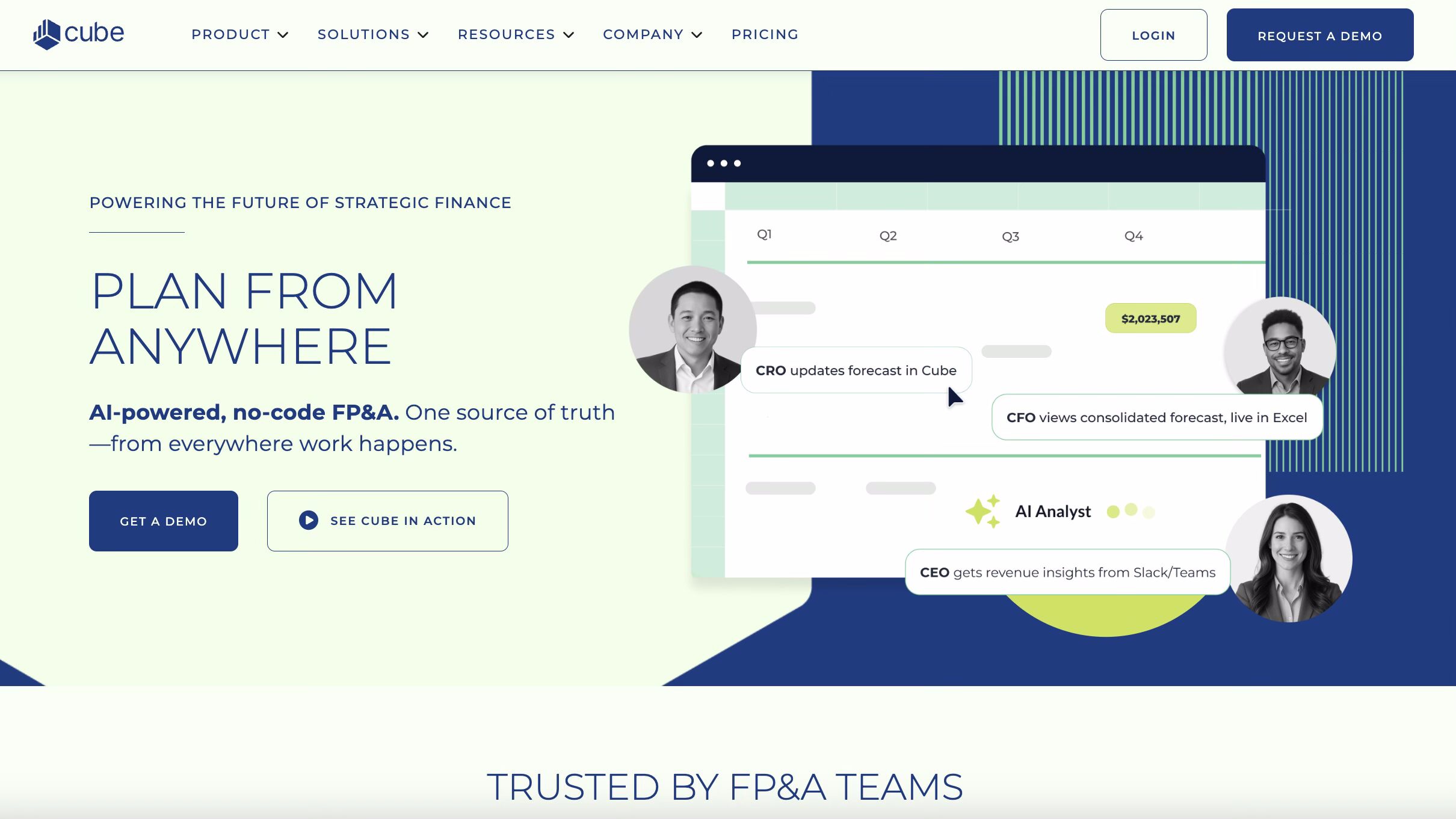
Cube is a cloud-based financial planning and analysis (FP&A) tool designed to work with the spreadsheets finance teams already know and love, like Excel and Google Sheets. In this way, Cube enhances spreadsheet functionality and allows finance teams to streamline tasks such as budgeting, forecasting, reporting, and scenario planning. It offers a unified view of a business’ financial and operational data in one place, offering real-time insights and better control over financial planning processes.
Capterra rating – 4.6 ★
Pros:
- Seamless integration:Cube’s patented bi-directional sync connects live data directly into existing Excel and Google Sheets models, so finance teams keep their formulas, formatting, and templates while gaining centralized data and automation. Unlike one-way Excel-enhancing tools, Cube lets you build and maintain models in Excel and Google Sheets with live data from every connected system, no rebuilds and no new interface to learn.
- Quick implementation: Cube is built for quick deployment compared to traditional FP&A platforms. It deploys in days without consultant dependency, with users typically seeing value in the first week rather than the first quarter. Capterra reviewers consistently mention being up and running in under a month.
- User-friendly interface: Designed for finance professionals rather than technical specialists, with an intuitive workflow that doesn’t require deep technical skills. Software Advice review data rates both customer support and ease of use at 4.8 out of 5, and reviewers consistently praise the responsive implementation team and intuitive interface.
- AI capabilities for FP&A: Cube has invested heavily in agentic AI over the past two years. The FP&Agent Suite adds AI-powered variance analysis, smart forecasting, and natural-language Q&A that reads your chart of accounts and business logic. Cube also offers conversational AI apps for Slack and Microsoft Teams, letting users query financial and operational data in natural language without leaving the tools they already use.
Cons:
- Limited customization for complex setups:Larger or more complex organizations may find configuration options restrictive. Reviewers cite limited options for customizing workflows and user interfaces, which can reduce adaptability for varied business needs.
- Dimension and scalability constraints. Cube is limited to 8 top-line dimensions, and some users running large or complex models would like that ceiling raised. Growing organizations sometimes encounter limitations around data modeling, drill-downs, and custom dimensions that prompt evaluation of alternative platforms.
- Performance with high data volumes: Performance can degrade on very large datasets or complex projects, causing slower response times and occasional lag. Some users also report limitations around automatic data importing from certain ERPs like Sage Intacct, with summary-level review being a constraint when dealing with high transaction volumes.
- Best fit is SMB and mid-market: Cube primarily serves small to mid-sized businesses; enterprises with very high transaction volumes or highly customized planning needs may outgrow it.
Anaplan
Anaplan is a cloud-based connected planning platform that enables organizations to deal with complex financial modeling and forecasting across multiple departments. Its primary purpose is to unify data from various sources, making it easier for teams across finance, sales, HR, and operations to collaborate on planning and decision-making processes.
Capterra rating – 4.2 ★

Pros:
- Enterprise-grade scalability: Anaplan’s architecture is built to handle very large data volumes and complex multi-entity models, making it a strong fit for global enterprises with sophisticated planning needs. Its patented Hyperblock calculation engine supports scenarios with unlimited dimensions.
- Real-time collaboration: A centralized platform allows multiple stakeholders to work simultaneously on planning models, share insights instantly, and monitor changes as they happen – useful for cross-functional planning across finance, sales, supply chain, and HR.
- Advanced scenario planning: Anaplan’s modeling capabilities let users build complex “what-if” scenarios to understand the impact of different business decisions, with connected models spanning multiple functions.
- Expanding AI portfolio: Anaplan Intelligence now includes PlanIQ for statistical time series forecasting, Optimizer for linear programming, and CoPlanner for generative AI giving conversational access to insights across models. In late 2025, Anaplan launched role-based AI agents, Anaplan Forecaster for AI-native forecasting, and Agent Studio for building custom AI analysts.
Cons:
- High total cost of ownership: Anaplan’s enterprise positioning comes with enterprise pricing. Advanced AI features, consolidation, and scenario analysis at scale are often priced as add-ons rather than bundled, so the actual TCO is frequently substantially higher than headline licensing suggests.
- Steep learning curve: Building and maintaining Anaplan models requires technical expertise that most finance teams don’t have natively, and casual users typically struggle without dedicated training.
- Long implementation timelines: Implementations routinely run three to six months, with complex multi-entity deployments running longer and requiring dedicated model administrators and external implementation partners.
- Workflow and data-loading friction: Customers have reported underperformance when building custom workflows. Reviewers also flag that the code base is hard to master, making uploading data and changes time-consuming.
Read: Anaplan Competitors – The 6 Best Alternatives for Enterprise FP&A
Farseer
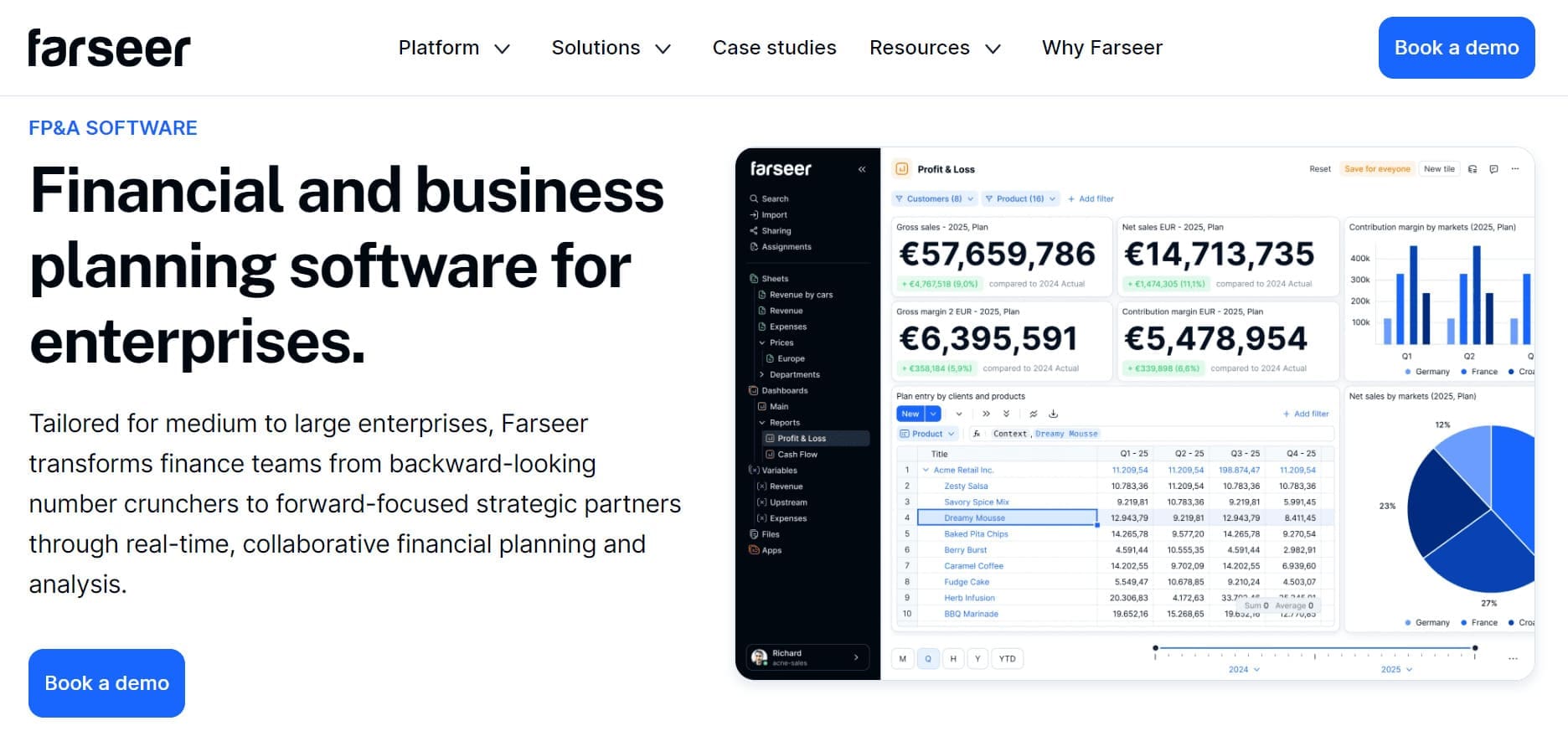
Farseer is an enterprise-level financial modeling, forecasting, and budgeting platform that empowers organizations to manage complex financial processes with ease. Designed for medium to large enterprises, Farseer combines sophisticated scenario planning with comprehensive data consolidation, enabling finance teams to create precise models and improve decision-making. Its strong emphasis on collaboration allows teams to share insights and make adjustments in real-time, ensuring that the entire organization remains aligned.
Capterra rating – 4.9 ★
Pros:
- Enterprise-grade modeling: Farseer is built to handle the complexity of large organizations, with multi-dimensional models, multi-entity structures, and full data lineage from transaction to consolidated number. The Rama in-memory engine handles complex calculations across thousands of dimensions instantly.
- Advanced scenario and forecasting tools: Driver-based models let teams simulate complex scenarios and run continuous forecasts directly from the data warehouse, with natural language formulas that don’t require code. This helps finance teams stay agile in volatile markets.
- Real-time collaboration: A centralized platform with multi-user workflows, role-based permissions, version control, and full audit history keeps finance, sales, HR, and operations aligned on a single source of truth.
- AI built for finance, not bolted on: Farseer AI runs directly on the governed financial model, translating natural language questions into real calculations executed on the planning data — producing traceable, model-grounded insights rather than plausible-sounding summaries. Teams can interact with it through natural language, even via WhatsApp, to access reports, trigger forecasts, or ask questions on the go.
- Scalability: Built for enterprise use across FMCG, pharma, retail, manufacturing, and telco, with infrastructure designed for large datasets and complex multi-entity operations.
Cons:
- Implementation timeline depends on complexity: Most enterprise teams go live within three months, with timing depending on financial model complexity and the number of entities involved. Faster than legacy enterprise platforms, but a longer commitment than lightweight spreadsheet-native tools.
- Learning curve for complex models: Farseer is designed to be intuitive for finance users, but building more complex models takes longer to set up. Teams typically rely on Farseer’s implementation consultants during onboarding to get to full proficiency.
- Smaller community than legacy vendors: Farseer is a newer, growing platform, so the pool of online reviews and third-party implementation partners is smaller than for Anaplan or Vena. Buyers comparing on review volume alone may want to request customer references directly.
All in all, Farseer provides a comprehensive suite of tools for large enterprises needing powerful financial modeling and planning capabilities. If you’d like to give it a try, book a demo and check it out for yourself.
Sage Intacct
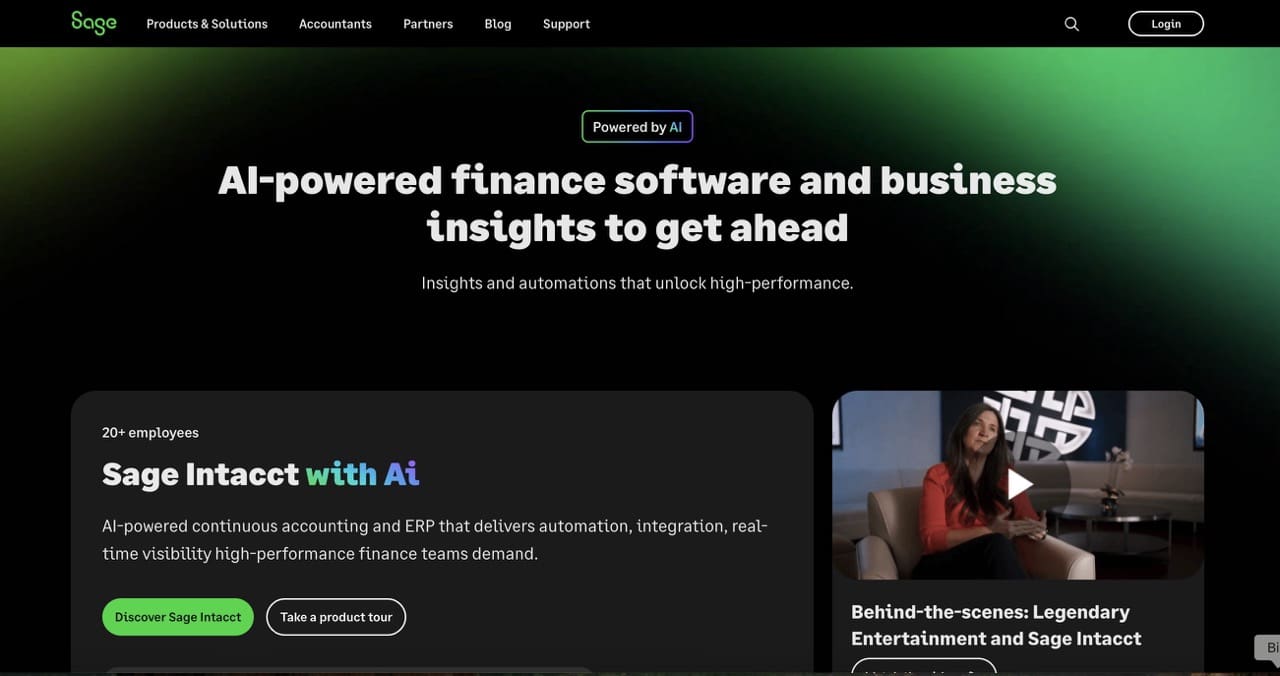
Sage Intacct functions as a cloud financial management system specifically designed for small to midsize businesses. The solution optimizes essential finance activities including general ledger management and payables as well as budget creation and reporting through robust automation capabilities. Users can access deep performance insights through its multidimensional analysis and real-time dashboard system that operates without complicated setup requirements.
Capterra rating – 4.3 ★
Pros:
- Comprehensive feature set: Sage Intacct covers core accounting end-to-end — accounts receivable and payable, multi-entity consolidation, budgeting, reporting, and cash flow forecasting. Reviewers describe it as a robust, cloud-native financial management system with strong core accounting and solid scalability for growing organizations.
- Real-time dashboards and dimensional reporting: The dimensional accounting model and real-time dashboards significantly improve financial visibility, while multi-entity consolidation and automation streamline month-end close and reduce manual effort.
- Workflow automation: The system automates approvals, consolidations, and journal entries, reducing manual errors and accelerating close cycles.
- Sage Copilot and embedded AI: Sage Copilot is Sage Intacct’s generative AI assistant for financial processes, with features including anomaly detection, close automation, variance analysis, and intelligent invoice processing. The Finance Intelligence Agent, announced in November 2025, orchestrates responses from multiple AI agents (Close, AP, Time, Assurance) to surface actionable insights, with Copilot Variance Analysis now generally available.
- Scalability: Sage Intacct fits companies that have outgrown basic accounting tools but don’t need (or want to pay for) a full enterprise ERP.
Cons:
- Steep learning curve for less technical users: Reviewers report that the software can overcomplicate simple tasks, creating friction for users who aren’t deeply familiar with the system — making it less efficient than it could be in day-to-day use.
- Pricing and module costs add up: Per-user licensing fees and add-on modules like Project Accounting and Advanced Inventory add up quickly. Many reviewers describe pricing as expensive, with frequent fee increases and extra charges making it harder for smaller organizations to scale on the platform.
- Implementation is not plug-and-play: Setup takes time, and for teams managing multiple entities or detailed reporting, the long-term payoff comes only after a substantial implementation investment.
- Reporting depth varies by use case: Out-of-the-box reports cover common needs well, but niche use cases like government grant reporting or specialized project accounting often require custom report-building.
Oracle NetSuite
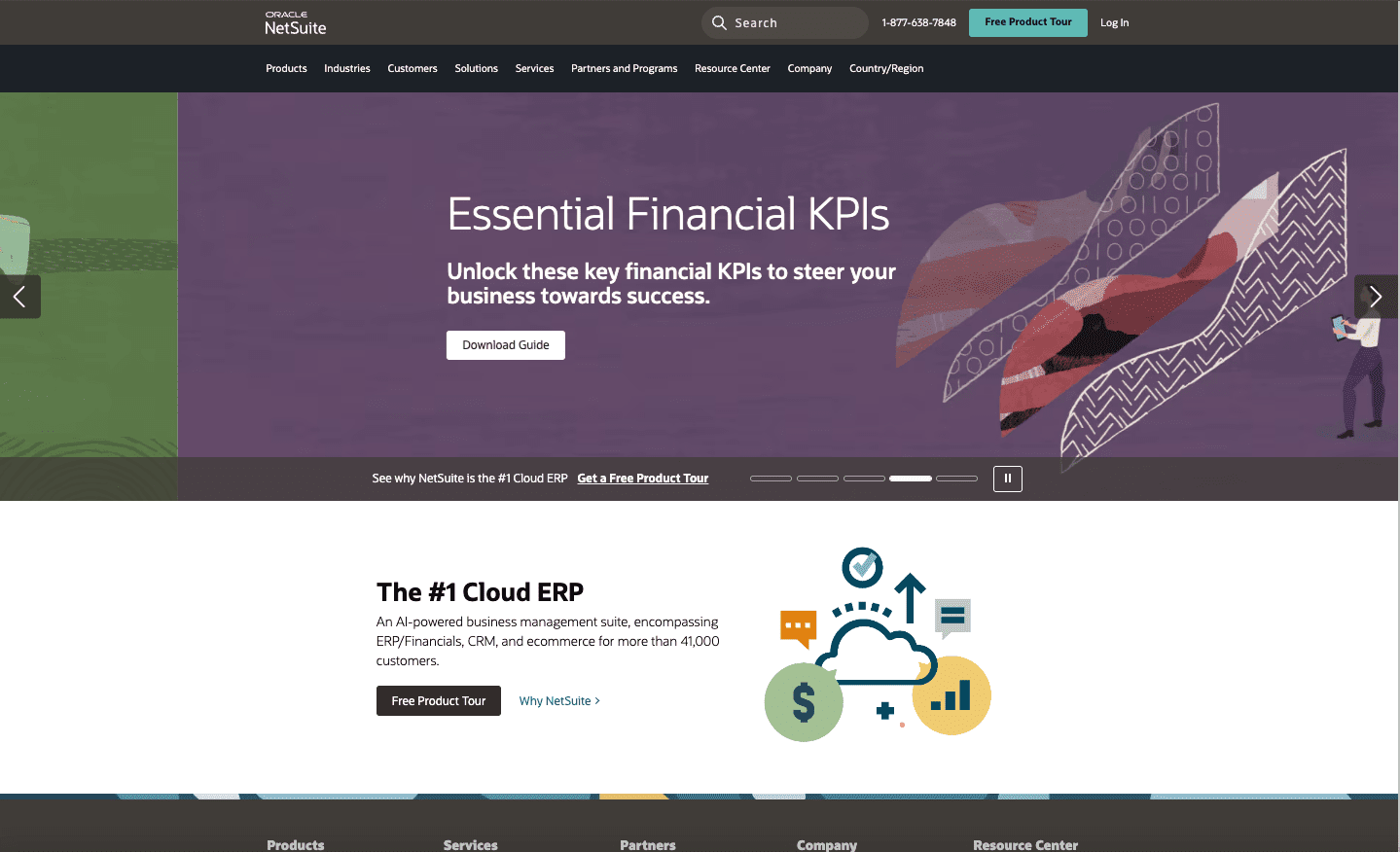
The cloud ERP platform Oracle NetSuite features complete financial management capabilities which include budgeting alongside forecasting and real-time financial analysis. The platform serves mid-sized to large enterprises through financial operational visibility from start to finish while connecting all business processes naturally and supporting global operations through multi-entity and multi-currency capabilities.
Capterra rating: 3.9 ★
Pros:
- All-in-one platform: NetSuite combines financials, inventory, procurement, and CRM in a single unified system, making it a strong fit for organizations that want to consolidate multiple business systems. Users consistently praise having everything in one system without jumping between accounting, CRM, and inventory tools.
- Advanced analytics: Built-in BI tools, real-time dashboards, and dimensional reporting give finance teams visibility across the entire business.
- Global readiness: Strong support for multi-entity accounting, multi-currency operations, and tax compliance across jurisdictions — a key reason NetSuite is often chosen by companies with international subsidiaries.
- Workflow automation: Flexible automation streamlines budgeting, forecasting, approvals, and core transactional processes.
- Expanding AI portfolio: Oracle positioned “No Limits: AI-Powered Business” as the central theme of SuiteWorld 2025, introducing NetSuite Next, Autonomous Close, and AI capabilities rolling out through 2026 across finance, operations, and analytics. Recently announced features include Ask Oracle (natural language querying), Intelligent Close Manager, AI-powered bank reconciliation, and EPM Reconciliation and Planning Agents for continuous reconciliation and natural-language FP&A queries.
Cons:
- Implementation complexity: The initial implementation and configuration can be complex and time-consuming, especially for first-time users, with data posting and API integration from the Oracle side requiring careful queue management. Most companies rely on external consultants to complete setup, which adds significant cost and timeline.
- High cost of ownership: Licensing, add-on modules, and implementation fees add up quickly, making NetSuite expensive relative to lighter mid-market tools. Reviewers also note that meaningful customer support often requires paying extra, with frequent upselling pressure adding to the cost story.
- Steep learning curve and navigation friction: Even basic tasks like report filtering or invoice creation often involve multiple steps and hidden menus, which can frustrate teams without a dedicated admin or prior ERP experience. The new Redwood UI rolling out with NetSuite Next is intended to address some of this, but adoption is phased through 2026.
- Better fit for mid-market than true SMB: While NetSuite markets itself as suitable for businesses of all sizes, most successful implementations happen at companies with $5 million+ in annual revenue and dedicated IT resources – for smaller businesses, the platform can be more of a burden than a benefit.
Conclusion
Selecting the right financial analysis tool can have a huge impact on how well a business manages its budgeting, forecasting, and planning processes. It is important to know what you are looking for before exploring the options. Cube, Anaplan, Farseer, Sage, and Net Suite each bring unique strengths to the table, catering to different needs based on company size, complexity, and financial priorities.
Ultimately, which one is the best, depends primarily on a company’s specific needs. So before choosing a tool, it would be best to take a step back and assess which financial analysis processes need automation or improvement, and take that as a starting point.
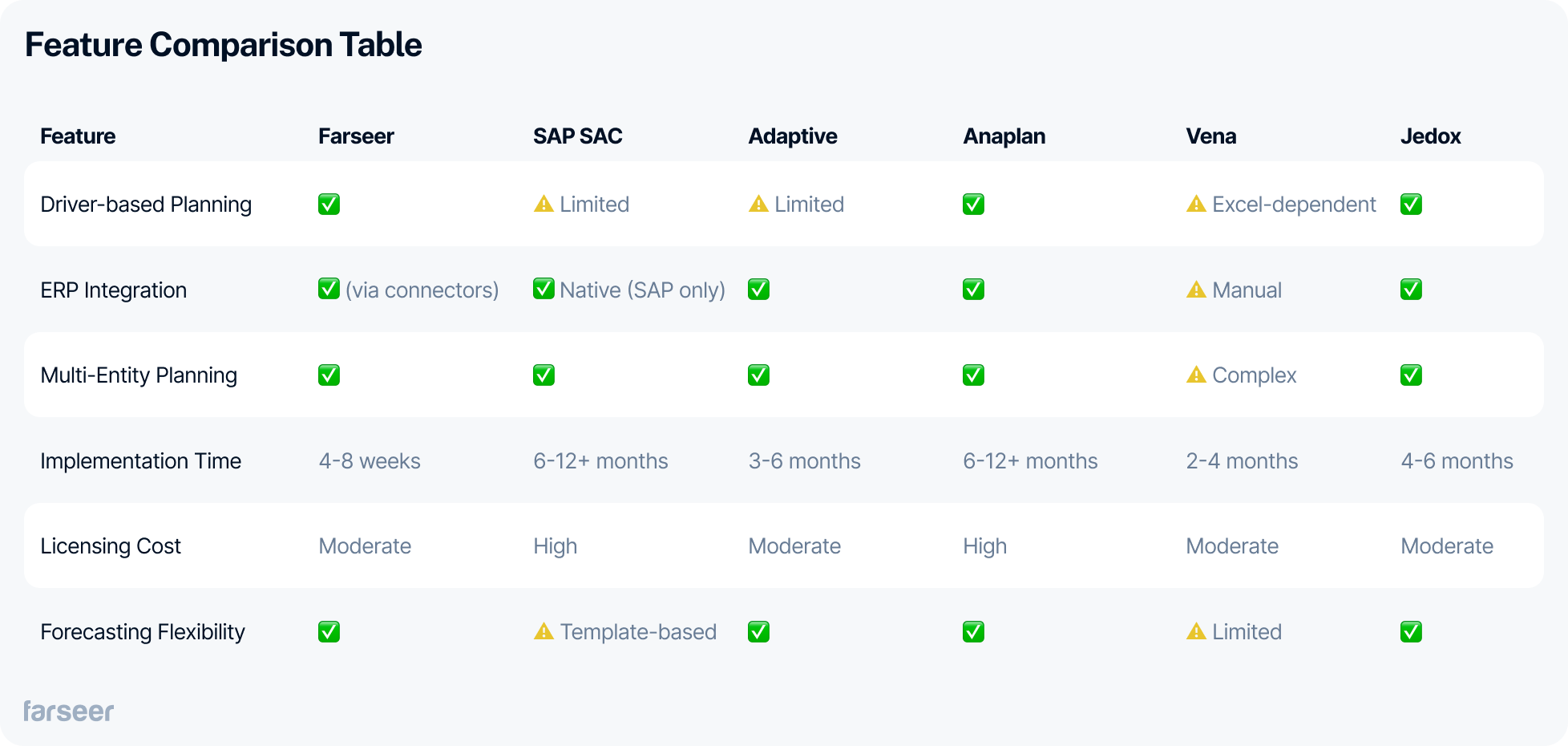
Quick Comparison: Which Tool Fits Your Needs?


Financial Statement Analysis: The Complete Guide (With Step-by-Step Process)
Read more
Vertical Analysis: Definition, Formula and Step-by-Step Examples
Read more