Cost Allocation in Farseer

In this webinar, Roko Grgić (Consultant, Farseer) walks through how companies can move their cost allocation process out of spreadsheets and into a structured, flexible model. This is a hands-on technical session built around a live demo.
You’ll see a complete cost allocation model built from scratch in Farseer — from importing GL data and defining allocation keys to producing a P&L broken down by profit center, with both actuals and planned values.
What you’ll learn:
- Why cost allocation in spreadsheets creates problems at scale, from error-prone manual work and poor scalability to a lack of oversight when models span multiple files
- How to import GL data into Farseer and automatically map it to your existing master data — accounts, cost centers, and organizational hierarchy
- How to define allocation keys based on different methods — headcount, facility square meters, or manually entered percentages — and apply them across profit centers
- How allocated costs flow automatically into dashboards, giving you interactive P&L reports that can be filtered by profit center, time period, and cost type
- How to build a flexible plan template in seconds using drag-and-drop, then create a cost plan for the next year using copy, percentage adjustments, or built-in forecasting algorithms
- How adding a new profit center or cost center instantly updates the entire model — allocation keys, reports, and dashboards — with no manual rework
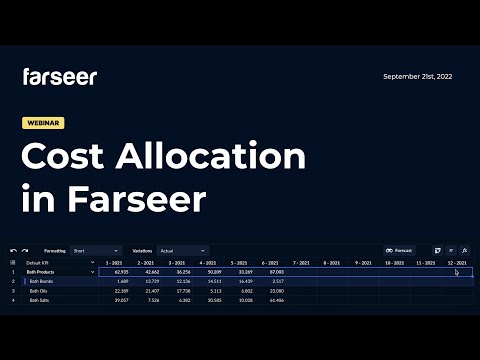
The session includes a full walkthrough of the allocation process in Farseer — from master data setup and GL import to allocated P&L reporting — using a wholesale and distribution company model with multiple departments and profit centers.
Who this is for: finance experts, controllers, accountants, and CFOs looking to replace complex spreadsheet-based cost allocation with a scalable, auditable model.

Workforce Planning in Farseer
Read more
Production Planning in Farseer
Read more