How to Ease Your Excel Reporting With Dynamic Menus (FREE TEMPLATE DOWNLOAD)

Let’s be honest – nobody opens Excel thinking, “Can’t wait to scroll through 5,000 SKUs today.”
But that’s exactly what happens when your reports are static.
Every quarter, finance teams line up data by brand, market, or SKU: copy, paste, filter, repeat.
Then someone changes a product name or adds a new line, and suddenly, your formulas don’t recognize it anymore.
Sounds familiar?
That’s why we built this Dynamic Menu Reporting Template, to give you an idea of to explore your data.
Instead of fixing links and filters, you just pick a brand and you get an SKU dropdown only connected with this brand.
No broken formulas. No manual cleanups. No endless scrolls through product codes.
Just real-time insights, straight from your Excel file.
Download the Free Dynamic Reporting Template
What is Free Dynamic Reporting Template
This Excel template is built for real-time filtering and flexible analysis – the kind that actually makes sense when you’re juggling dozens of brands and thousands of SKUs.
It’s powered by dynamic dropdown menus that automatically adjust your charts, tables, and summaries, no macros, no code, no endless range fixing.
Here’s what you’ll get:
- Step-by-step setup instructions on how to:
- create automated sorted lists of entries
- how to make a good use of named ranges functionality
- how to actually use INDIRECT() function in Excel
- Dynamic dropdowns connected to your master data – pick a brand, and only relevant SKUs appear
- Automatic update logic that adapts as soon as you add a new product or market
With it, you can build interactive, Excel-based reports that scale with your data, not against it.
So instead of scrolling through massive SKU lists, you just select a brand from the dropdown, and Excel filters the view down to its matching SKUs.
Clean. Simple. Instant insight.
Why it matters
Every finance team knows the pain of version chaos: reports duplicated, formulas broken, insights delayed.
You spend hours fixing cell references when you should be analyzing performance.
Dynamic menus might look like a small technical trick, but they change how you work.
They turn a static Excel file into a living reporting model, one that responds to you, instead of the other way around.
When every brand and SKU pulls from the same governed list, three things happen:
- You eliminate data drift. No more mismatched naming, missing SKUs, or invisible duplicates.
- You speed up reporting. Switching from “Brand A” to “Brand B” takes seconds, not another version of the file.
- You gain trust in numbers. Because everything connects back to one source of truth.
And when your structure is that solid, the conversation finally shifts from “Where did this number come from?” to “What are we going to do about it?”
That’s the real purpose of dynamic menus: not just cleaner files, but faster, more confident decisions.

When Excel Stops Being Enough
Excel’s flexibility is unbeatable for small teams.
But when you’re consolidating data from multiple entities, currencies, or systems, it becomes fragile.
You’ll notice it when:
- Refreshing reports takes hours
- Each team uses a different version of the same file
- Links between dashboards keep breaking
- Scenario comparisons require separate workbooks
Where Excel Breaks, Farseer Takes Over
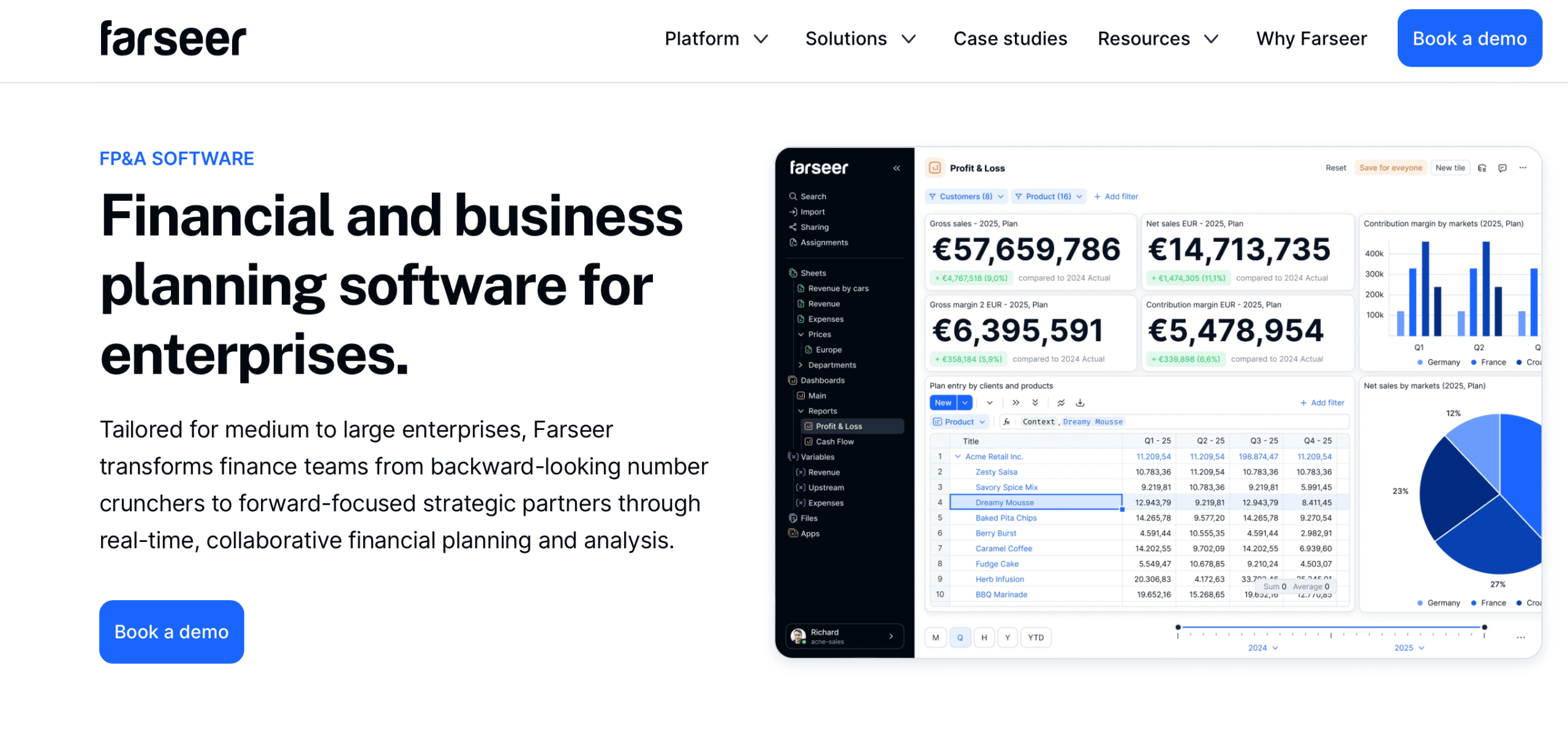
Farseer gives you the same reporting logic as Excel – but with live data, governed structures, and zero manual updates.
You can:
- Build dashboards on top of a single source of truth
- Switch between versions or scenarios in real time
- Share insights without sending files around
- Drill down by entity, product, or market in one click
It’s the same flexibility finance loves about Excel, with the control, speed, and transparency of a modern FP&A platform.
Ready to move beyond static spreadsheets?
Farseer connects your data, automates reporting, and gives you dynamic dashboards that never break.
Book a demo and see how interactive reporting works when it’s built for scale.