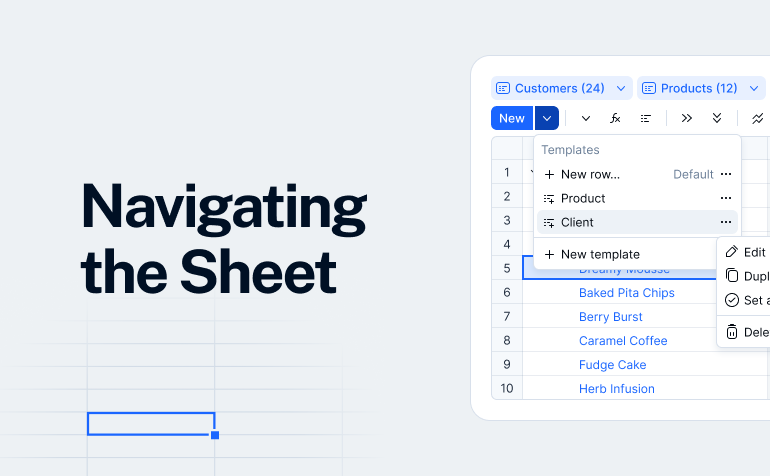
Navigate Farseer Sheets with ease! 🚀 In this guide, we'll walk you through the key interface elements, so you can find what you need and move through your data effortlessly.
Sheet basics
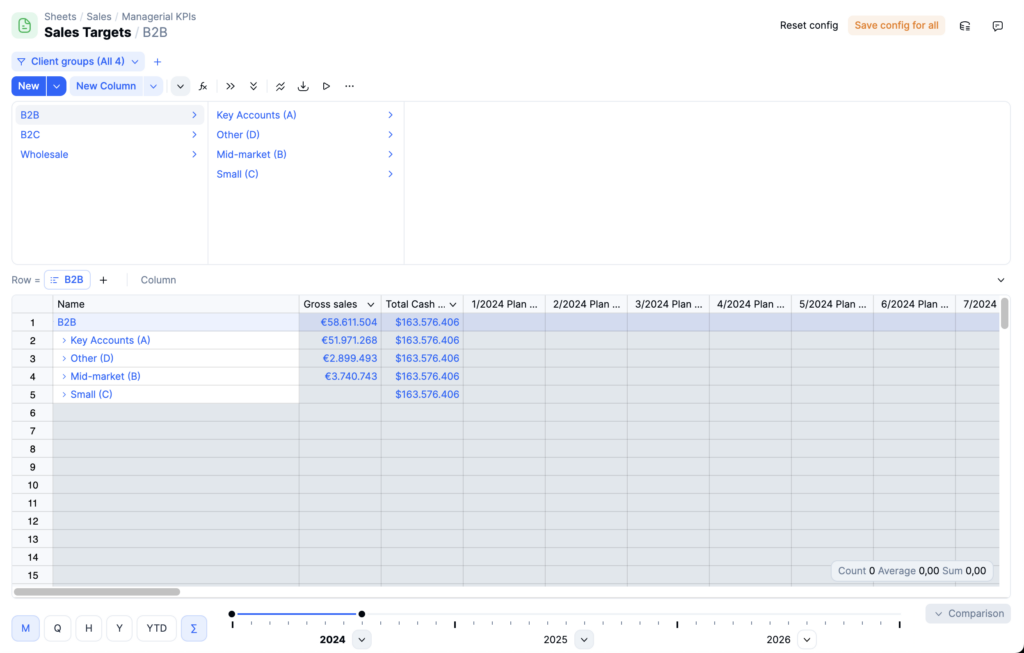
Sheets represent the core component of Farseer, serving as the primary interface for structuring your model hierarchy, as well as entering and reviewing data within your models.
At the top of each sheet, you’ll find the sheet path, indicating the location of the current sheet within your folder hierarchy. Just below the path is the Sheet Finder hierarchy, which shows the current selection. You can use this hierarchy to easily navigate to specific sections within the sheet.
Toolbar options
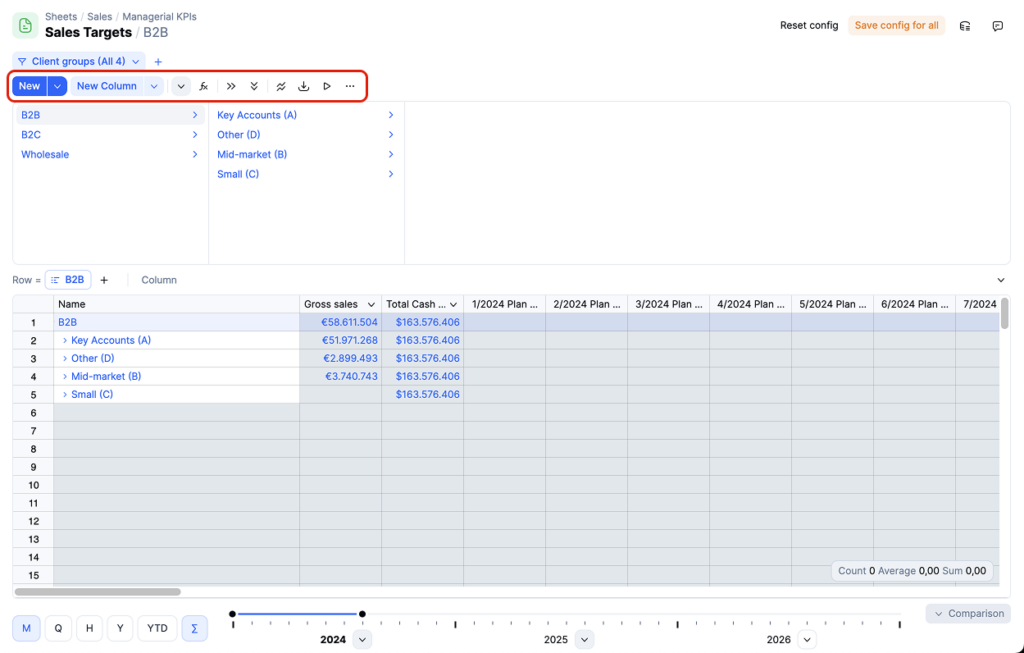
The Sheet Toolbar provides additional functionalities for managing your sheet. Here, you can Create new rows and columns, add and manage sheet filters, show or hide elements such as the Finder, formula bar, and other interface components. These tools allow you to easily customize and enhance your sheet according to your specific needs.